
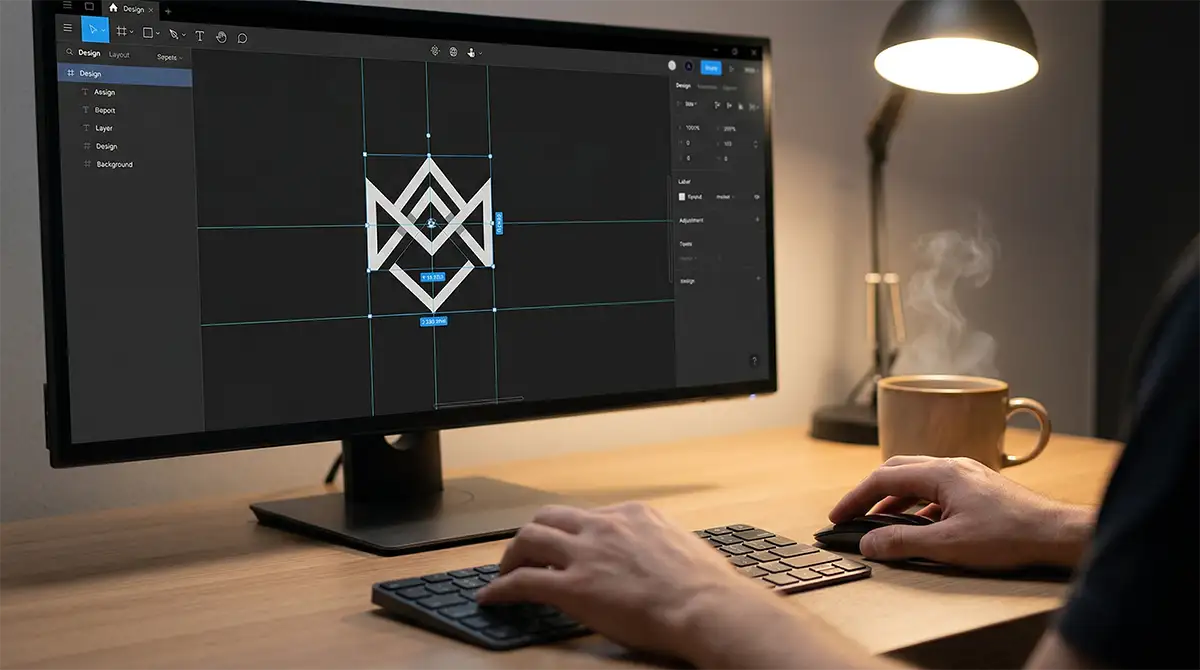
You can make your own logo by choosing a design you like, changing the name and colors, and downloading the right files. The easiest way is to start with logo options made for your business type, then edit one with a simple tool.
Make your own business logo in 4 steps
1) Enter your business name
Type your business name and choose your industry. You will see a set of logo options made for your type of business. This helps you avoid random designs that do not fit your market. Logo Creation's smart brand matching engine analyzes your input and surfaces industry-relevant logo collections instantly — browse by industry, style, color or symbol.
2) Look through logo ideas
Browse the logo options and compare different styles. Each logo shows 6 color scheme variants via a thumbnail strip. Preview how each one looks on a website, business card, and social profile before you decide. Save favorites to your wishlist using the heart icon and compare them before deciding.
3) Customize your logo
Make small changes to match your brand. Change colors, swap fonts, and test layouts with a few clicks. You do not need design skills to create a logo that looks clean and professional. The full-screen editor gives you typography controls for fonts and spacing, color palette tools with live updates, and layout adjustment for icon and text positioning.
4) Download your logo files
When you are happy, download your logo. A good download pack should include:
Vector files for print - SVG, EPS, AI, and PDF
Transparent PNG files for web and digital use
Black, white, and full-color versions
These files help your logo work everywhere. The vector logo maker guide explains what SVG, EPS, AI, and PDF formats are and when to use each one. The full logo creation guide walks through every step in detail.
What makes a logo look professional?
A good business logo is:
Easy to read at any size
Clear at small sizes - think favicon and app icon
Simple, not crowded with details
Balanced in spacing between icon and text
Clear on light and dark backgrounds
Logo Creation logos are built on vector mathematics by professional designers - every curve is intentional and production-ready. This is why they look sharp on a business card and on a billboard without any changes.
Final tip before you use your logo
Test your logo in real places first. Put it on your website header, a social profile photo, and a business card mockup. Logo Creation shows you instant live previews on business cards, website headers, t-shirts, and social media profiles before purchase. If it still looks clear, you are ready to use it. Start making your own logo now.
Written by Logo Creation Team
Expert branding advice from the team behind the world's #1 human-powered logo platform. We help businesses launch with confidence.